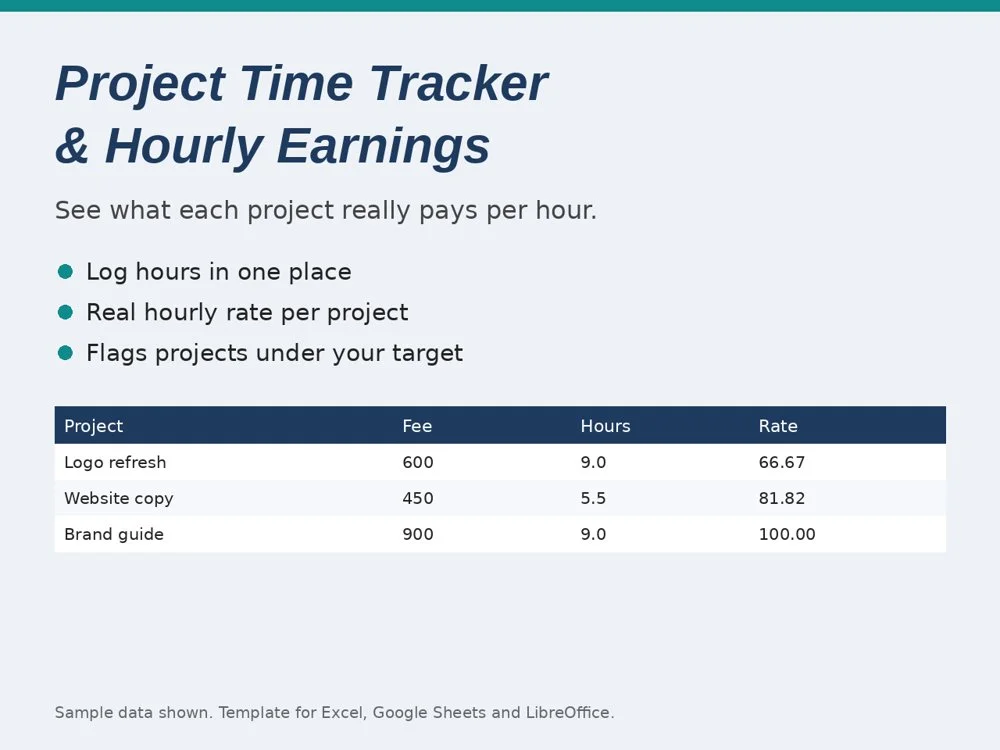
Find out what each project really pays per hour. This spreadsheet adds up the hours you log on each project, divides the agreed fee by those hours, and shows your real hourly rate next to a target rate you choose.
Who it is for: freelancers and small studios that quote a fixed fee per project and want to see which jobs are worth it.
What you get (1 XLSX file, 4 sheets):
- Start Here: a short guide, about 5 minutes to set up
- Projects: room for 30 projects. Agreed fee, hours logged, real hourly rate, fee at your target rate and the gap. Projects under target turn red, others green
- Time Log: 500 rows with a project drop-down. Date, project, hours, note
- Summary: projects listed, total fees, total hours, average hourly rate, projects below target
How it works: list your projects with their fee, log each work session, then read the Projects and Summary tabs.
Works in Excel, Google Sheets and LibreOffice. It includes sample rows to delete. It is a tracking sheet, not accounting, payrol


 Egypt · member since 2026
 United States


