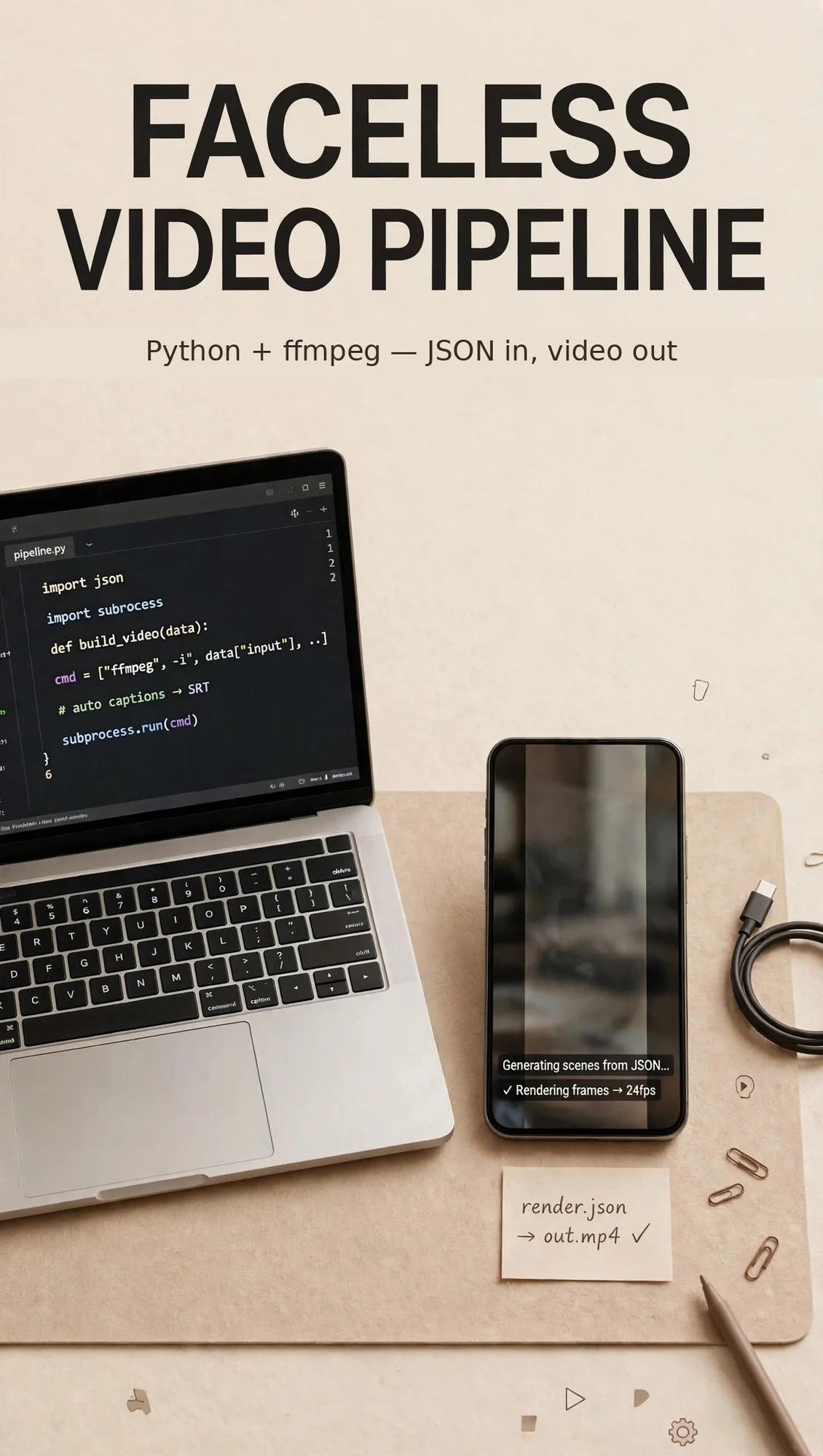
Turn one JSON spec + real product photos into a finished 1080×1920 captioned video. TTS narration, slow Ken Burns, burned-in captions, loudness normalization — one command. What's inside: make_video.py — the working pipeline: one JSON spec in, one finished video out. 2 example specs (day1.json, day2.json) — copy and edit for your own video. Full pipeline docs — requirements, quick start, spec format, per-sentence steps, tips, and the verification record. requirements.txt — no Python dependencies; only ffmpeg, ffprobe, and a TTS tool on your PATH. What it does per sentence: TTS → audio file (duration measured with ffprobe, so captions stay in sync with the real voice), one video segment (blurred 9:16 background + slow Ken Burns zoom on the product photo + burned-in caption, lower third), segments concatenated, then a single loudnorm pass (I=-16, TP=-1.5) so volume is consistent across videos. Verified working: rendered end-to-end on 2026-11-23 — a test spec produced a finished 1080×1920, 30fps MP4 with TTS narration, Ken Burns, burned-in captions, and loudness normalization (measured −16.1 LUFS integrated, on target). What you need: a computer with Python 3.8+ and ffmpeg/ffprobe, a TTS tool (edge-tts, Piper, or any CLI TTS via --tts-cmd), and real photos of the products you feature. Never AI-generate the product — every visual starts from a real photo. Rules built in: keep videos ≤60s and 1080×1920 (safe for Reels auto-posting), add music afterwards mixed ~20 dB under the voice, use only license-cleared music for commercial use. Single-buyer license for your own channel(s). The pipeline code is provided as-is, without warranty. You may not resell or redistribute the files.


 United States · member since 2026


